
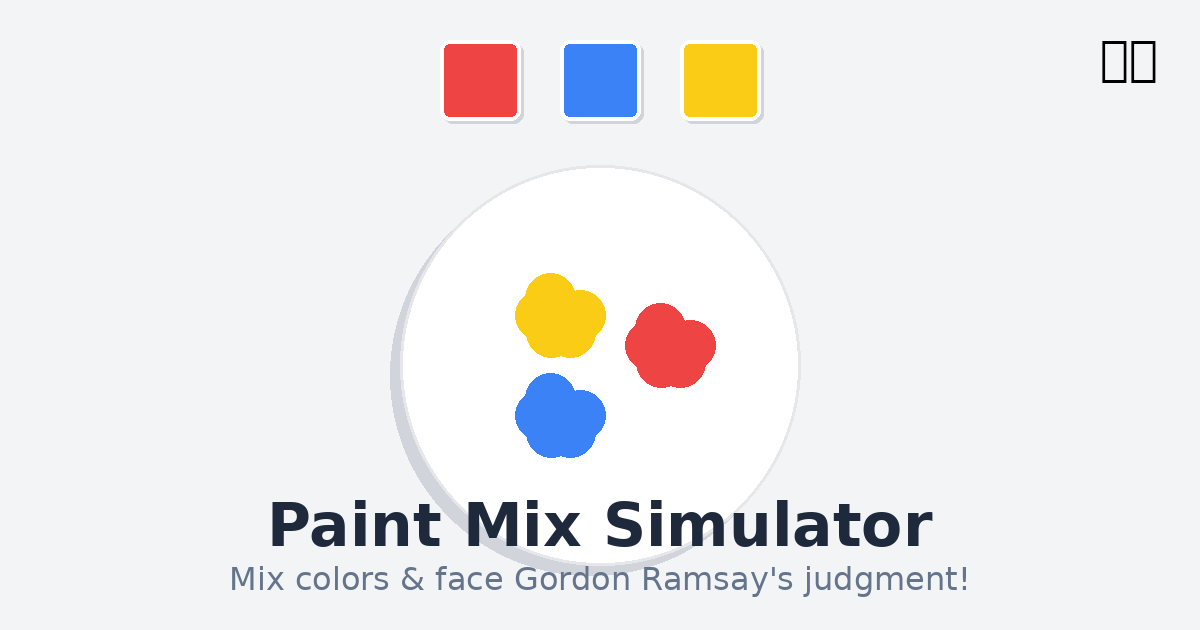
I’m delighted to introduce Paint Mix Simulator, a delightfully chaotic little minigame where you get to play with colors… and face the wrath of Gordon Ramsay.
This started as a fun experiment with WebGL shaders to create realistic paint mixing physics. The paint swirls and blends in real-time using procedural noise and signed distance fields, creating a mesmerizing visual effect that’s oddly satisfying to watch.
The game features two modes:
Free Play Mode: Just mix colors to your heart’s content. Pick three colors, hit the mix button, and watch them swirl together into beautiful (or hideous) combinations. It’s therapeutic, like a digital lava lamp you can control.
Hell’s Kitchen Mode: Now here’s where things get spicy! 👨🍳 The game gives you a target color, and you need to mix three colors to match it as closely as possible. But here’s the twist—your performance gets judged by… let’s say, a very passionate chef. Get it perfect and you’ll hear praise. Miss the mark and prepare for some colorful feedback (pun intended). The quotes range from “Finally, some good f***ing paint” to the dreaded “IT’S RAW!”
Built entirely with WebGL for smooth, hardware-accelerated rendering, this was a fun exploration of shader programming and color theory. Most amazingly, much of this was prototyped through AI-assisted iteration, experimenting with different mixing algorithms and visual effects until we got that perfect paint-swirling look.
The interface is clean and minimal—just three color swatches, a mix button, and a toggle to switch between modes. Works great on both desktop and mobile, though I recommend trying it on desktop first for the full experience.
Give it a try and see if you can satisfy the chef! Pro tip: in Challenge Mode, complementary colors are your friend (or your worst enemy).
Controls:
- Click on color swatches to pick your three paint colors
- Mix Paint button to start the mixing animation
- Chef emoji in the top right to toggle Challenge Mode
- Trash icon to reset and try new colors
 Want to work with me? Send me an email.